






Sometimes the simplest changes make the biggest difference in our classroom management. Clear directions, predictable routines, and fewer “What are we doing?” moments of confusion can prevent a lot of chaos before it even starts.
That’s where daily slides can help.
Daily slides give students one consistent place to look for what they should be doing, what they need, and what’s coming next. Instead of repeating the same directions 17 times before 9am, you can point students to the screen and save your voice for actual teaching.
Start the Day with a Predictable Routine
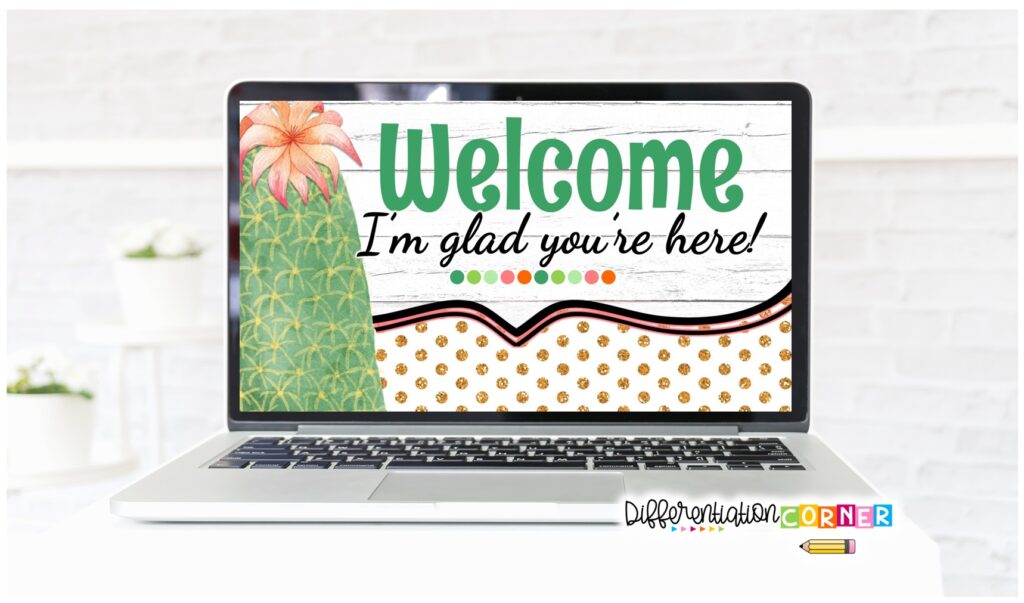
A Good Morning or Welcome to Class slide gives students an immediate clue that the day has started and there’s something they should be doing.
Your morning slide might include:
- Where to put belongings
- What materials to get out
- A morning work assignment
- A question of the day
- A reminder to turn in homework
- Lunch count or attendance directions

When you use the same type of slide each morning, the routine starts to become automatic. They can walk in, unpack, and get started without waiting for you to give the same directions every. single. day.
That means less students wandering around, fewer repeated questions, and hopefully a slightly calmer start to the day.
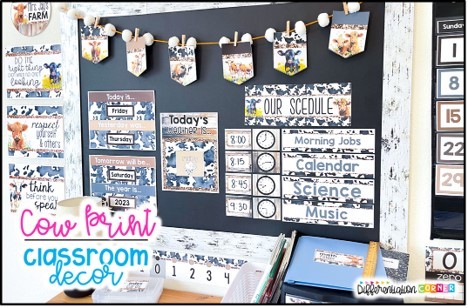
Display the Daily Schedule
Students really like to know what’s happening next.
And by “like,” I mean they’ll ask you a hundred times unless the answer is visible somewhere.
A daily schedule slide helps students see how the day is organized. It also makes it easier to prepare them for changes.
If there is an assembly, substitute teacher, special activity, or schedule switch, add it to the slide and review it at the beginning of the day.
A visual schedule can be especially helpful for students who feel more comfortable when they know what to expect. It also cuts down on constant questions about lunch, recess, specials, and dismissal.
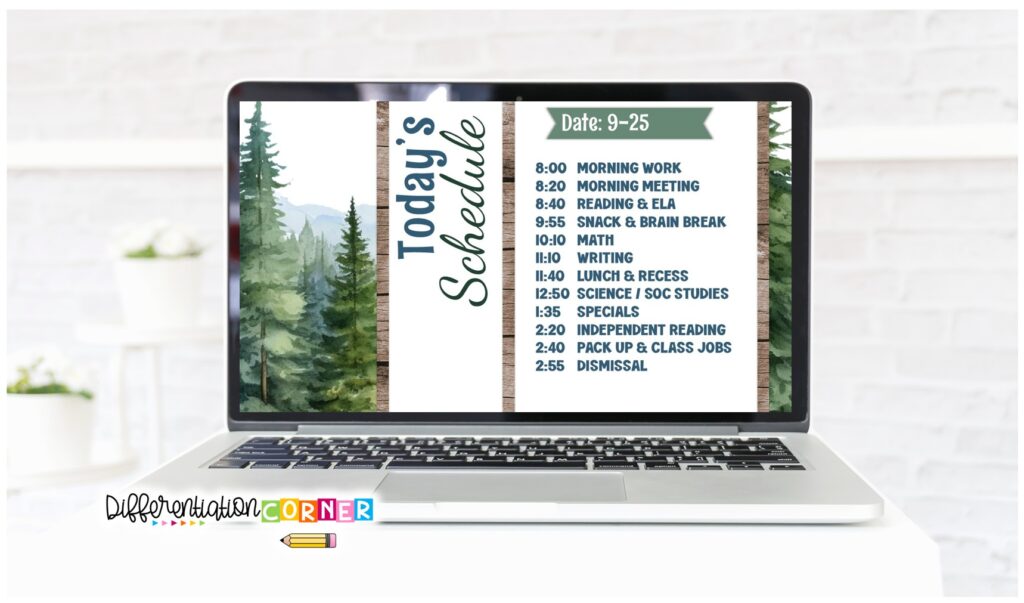
When students can check the schedule themselves, they start relying less on you for information that’s already right in front of them.
Keep Directions Visible
Giving directions once and having students remember every step sounds great. But it definitely doesn’t happen.
Unfortunately, while you’re giving directions, four students are thinking about lunch, one is sharpening their pencil, one has a wrinkle in their sock that’s bothering them, and another somehow missed the entire conversation while sitting three feet away.
Direction slides let you keep the steps visible while students work. Use short, numbered directions for independent assignments, partner activities, projects, or even classroom procedures.
For example:
- Write your name.
- Read the passage.
- Highlight our new vocab words: accomplish, convince, and represent.
- Answer the questions.
- Turn in your paper.
- Read from your free reading book.
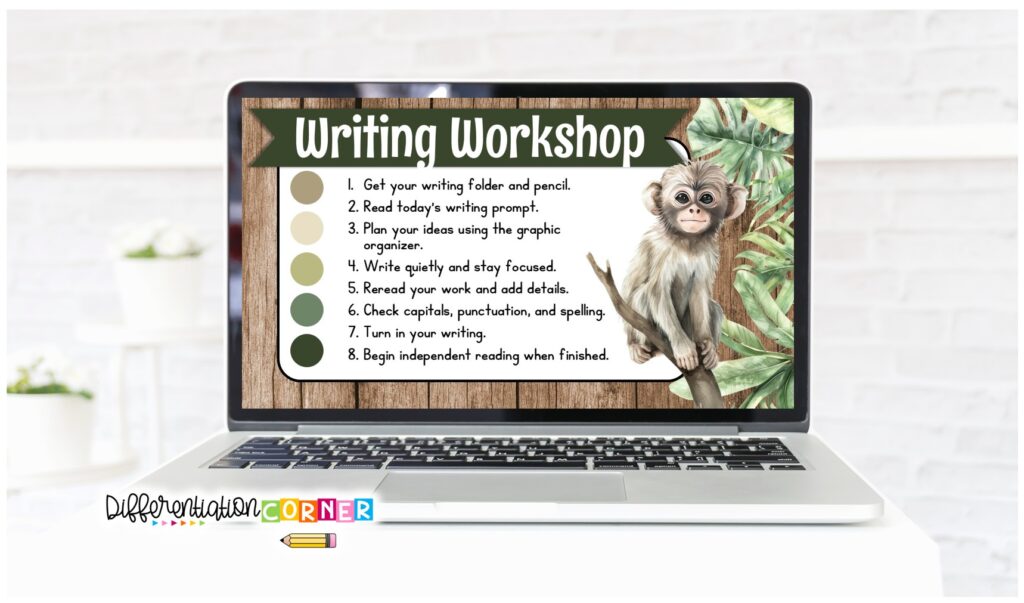
Students can look back at the daily slides instead of asking what to do next. This is also helpful for students who need more processing time or who do better when they can both see and hear the directions.
Visible directions reduce interruptions and make it easier for students to stay on track without needing you all the time.
Use Subject Slides to Signal Transitions
Transitions are often the time when classroom management falls apart.
Students finish at different times. Materials need to be put away. Someone can’t find their pencil. Suddenly half the class is chatting while the other half is trying to figure out what’s going on.
Subject slides can act as a simple visual signal that one part of the day is ending and another is beginning.
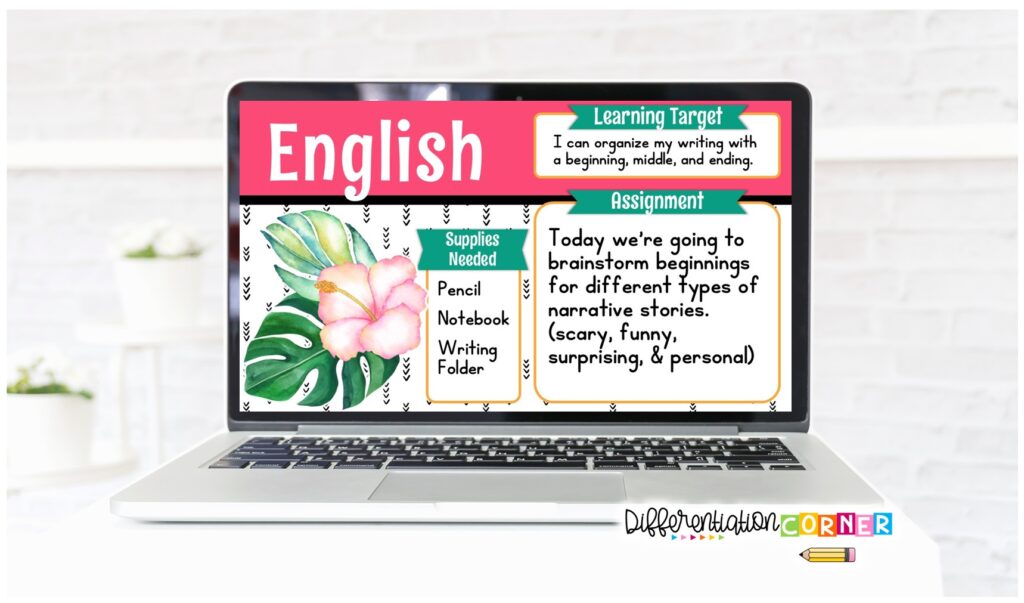
Display a reading, math, science, writing, or social studies slide and add:
- Materials students need
- Page numbers
- The first task
- A warm up question
- A short set of directions
Changing the slide gives students a clear cue to reset and get ready for the next lesson.
It also reduces downtime, which is usually when students decide to create their own activities. Those activities are rarely standards based.
Organize Centers and Rotations
Centers and small group rotations can be incredibly effective.
They can also go off the rails pretty quickly.
A rotation slide can show group names, station assignments, rotation order, time limits, and basic expectations.
You can also include what students should do when they finish early or what materials they need at each station.
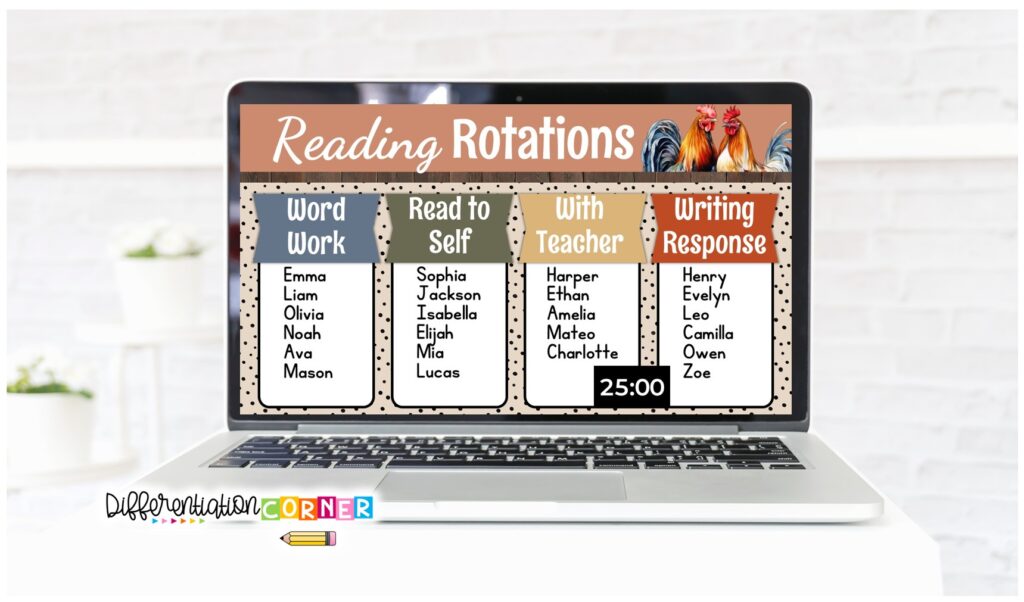
Keeping the information visible gives students a chance to solve small problems on their own, instead of asking, “Where do I go?” every time. Just check the screen!
That means you can focus on teaching your small group instead of stopping to direct traffic across the room.
Post Learning Objectives and Expectations
Learning objectives can be helpful, but only if students can actually understand them.
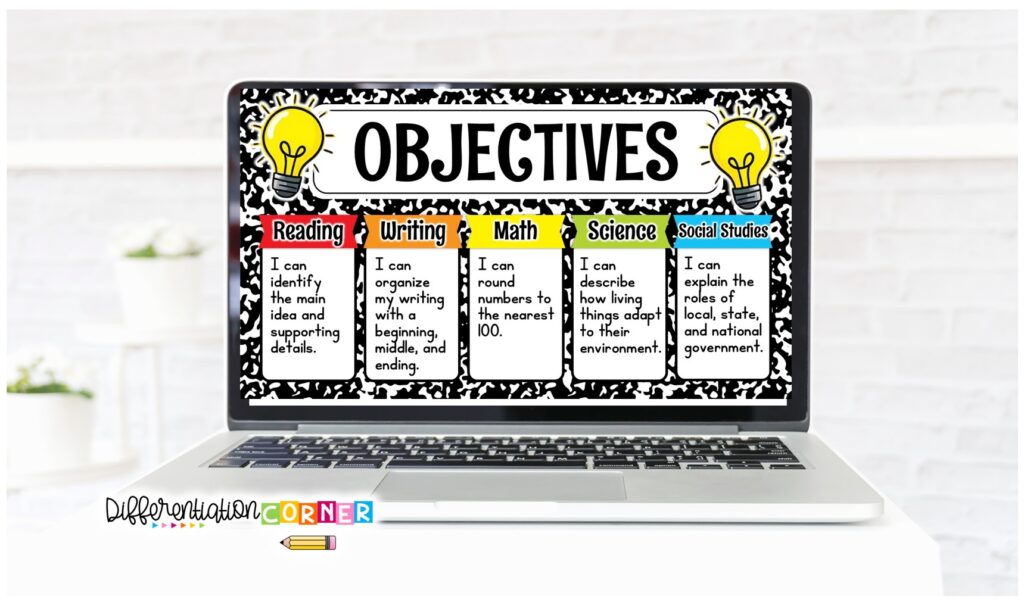
Use an objectives slide to post student friendly “I can” statements, lesson goal, or success criteria.
Students are more likely to stay focused when they know what they’re working towards.
Build a Positive Classroom Community
Classroom management is more than just rules, directions, and getting students to complete work.
Students are more likely to participate and cooperate when they feel noticed and included.
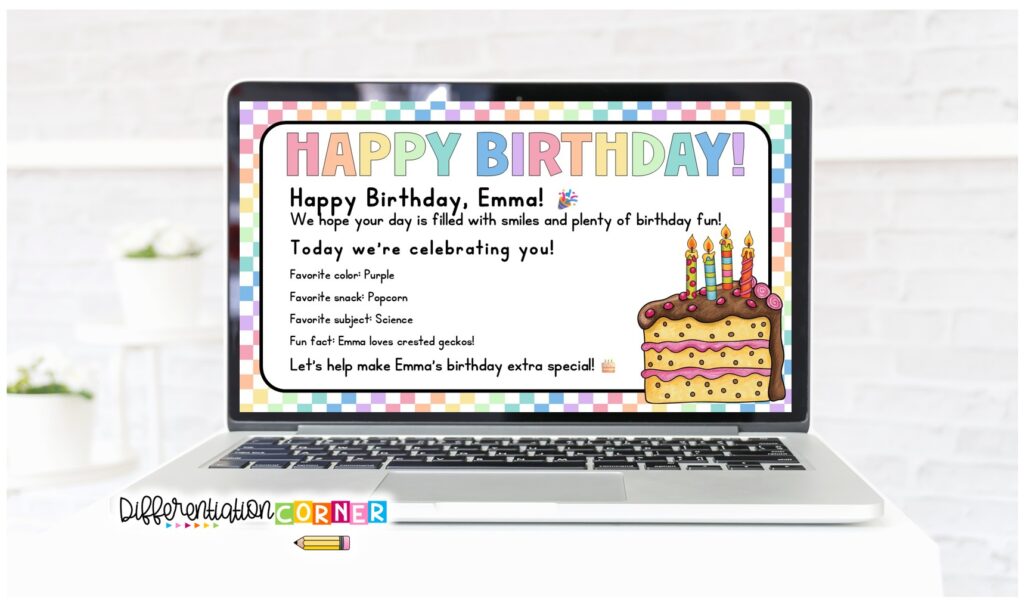
Use birthday slides, student of the day/week, and student pet pictures to celebrate students and build community.
You can highlight kindness, responsibility, effort, or a student accomplishment.
Morning message slides and blank templates can be used for positive notes, class celebrations, encouraging messages, or fun questions.
Create Slides for Your Specific Classroom Needs
One of the best things about blank templates is that you can turn them into whatever your class needs the most.
You might create:
- Early-finisher choices
- Materials needed
- Cleanup procedures
- Brain breaks
- Lunch count
- Dismissal reminders
- Substitute teacher directions
The most useful classroom management tools are often the ones that solve the small, everyday problems you deal with.
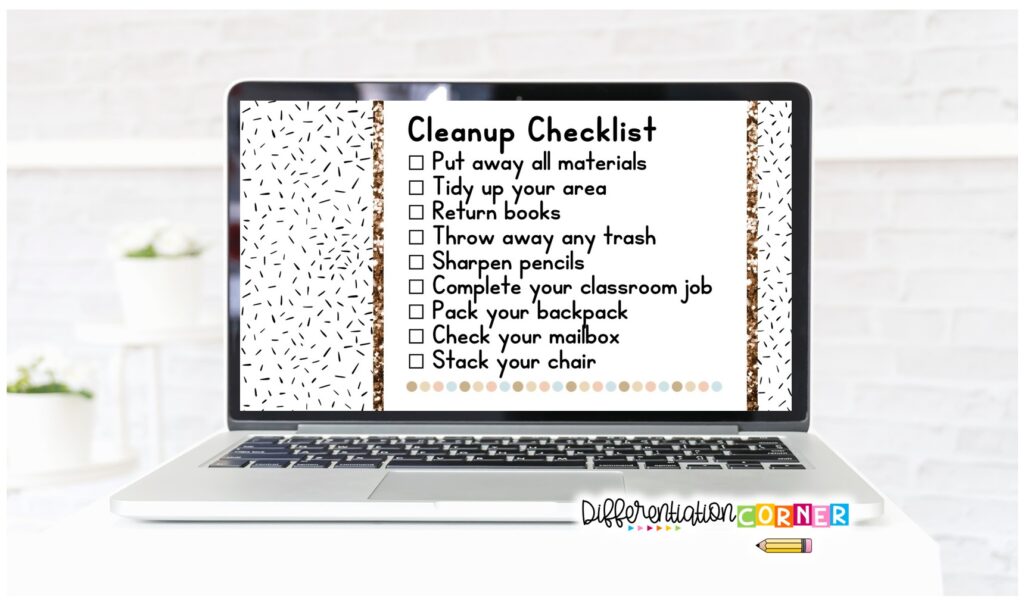
Think about the questions you answer constantly or the routines that always seem to fall apart. Those are probably the best places to start.
Keep Your Daily Slides Simple
Daily slides work best when students can understand them quickly.
Use text that is large enough to read from across the room. Avoid cramming too much information onto one slide. Keep the layouts consistent so students know where to look.
Most importantly, teach students to check the screen before asking a question.
That one habbit can save a surprising amount of time and sanity.
Daily slides are more than just a cute thing to display on your classroom screen. They can help create a predictable routine, smoother transitions, clearer communication, and more independent students.
When students know where to look and what to do, you can spend less time managing confusion and more time teaching.
Read more ways that I use daily slides in my room here. Looking for more easy classroom management strategies to save your sanity? Read this post!
Browse my collection of daily slides templates to find a theme that fits your space and start creating smoother routines without adding one more complicated classroom management system to your plate.